Freelancers, consultants, and independent contractors in India who need to quickly verify TDS deductions before raising invoices.
How it works
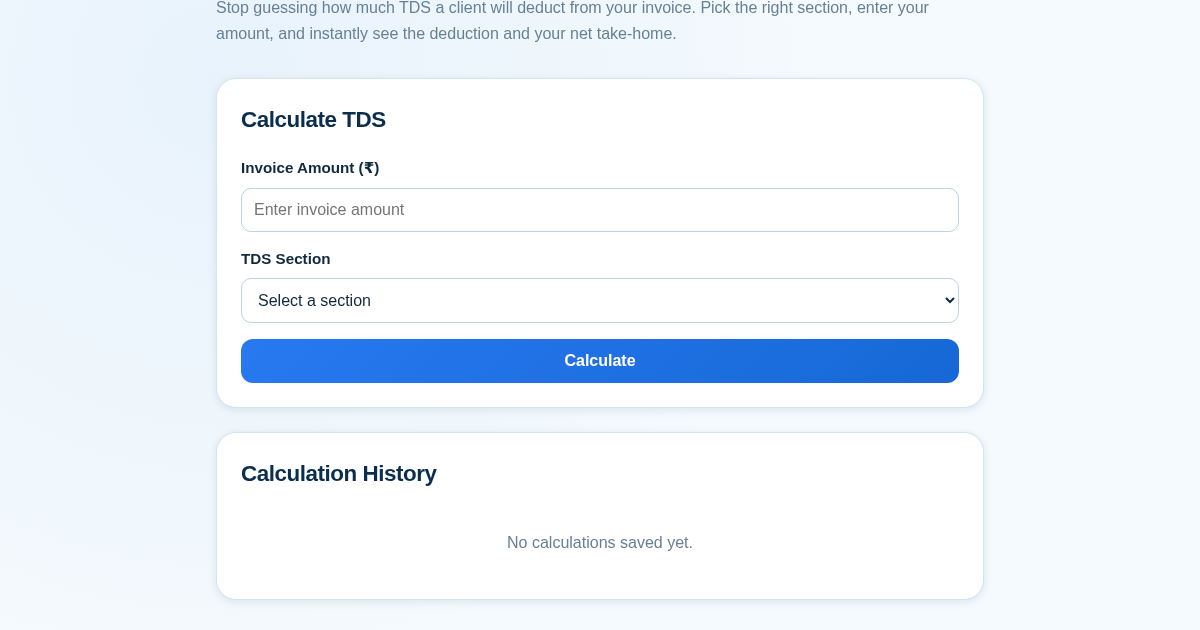
- Enter the invoice amount (positive number, up to 2 decimal places) and select the applicable TDS section from the predefined list (e.g., 194J, 194C, 194H, 194I) with its rate.
- Click calculate to instantly see the TDS amount and net receivable, both rounded to 2 decimal places.
- Click save to persist the calculation (invoice amount, section, TDS amount, net amount, timestamp) to the server.
- View the history list on the same page, which fetches and displays all saved calculations for future reference.
What you gain
- Instant TDS breakdown for any invoice amount
- Clear view of net receivable after deduction
- Predefined sections with correct rates
- Automatic saving of every calculation
- History accessible even after closing the browser
- No login or setup required
Screenshot
Technical details
How to set up & use
- Buy the license — your key (lic_...) appears on the order page and in your email.
- Sign in at app.synoriaai.com with your license key.
- No installation — the product runs in your browser, on your own isolated instance.
- 1. Open the TDS Deduction Calculator page.
- 2. Enter your invoice amount in the 'Invoice Amount' field.
- 3. Select the applicable TDS section (e.g., 194J, 194C) from the dropdown.
- 4. Click the 'Calculate' button to see the TDS deduction and your net take-home amount.
- 5. Optionally, click 'Save' to store the calculation in your history for later reference.
Frequently asked questions
Is my calculation data saved securely?
Yes, all calculations you save are stored locally in your browser. No data is sent to our servers, and you can clear your history anytime by clearing your browser data.
Does this calculator handle all TDS sections?
It covers common sections like 194J and 194C, but not every possible section. If your section isn't listed, you may need to use a different tool or manual calculation.
Can I use this without creating an account?
Absolutely. No login or setup is required—just open the page and start calculating. Your history is saved automatically in your browser.
Related products
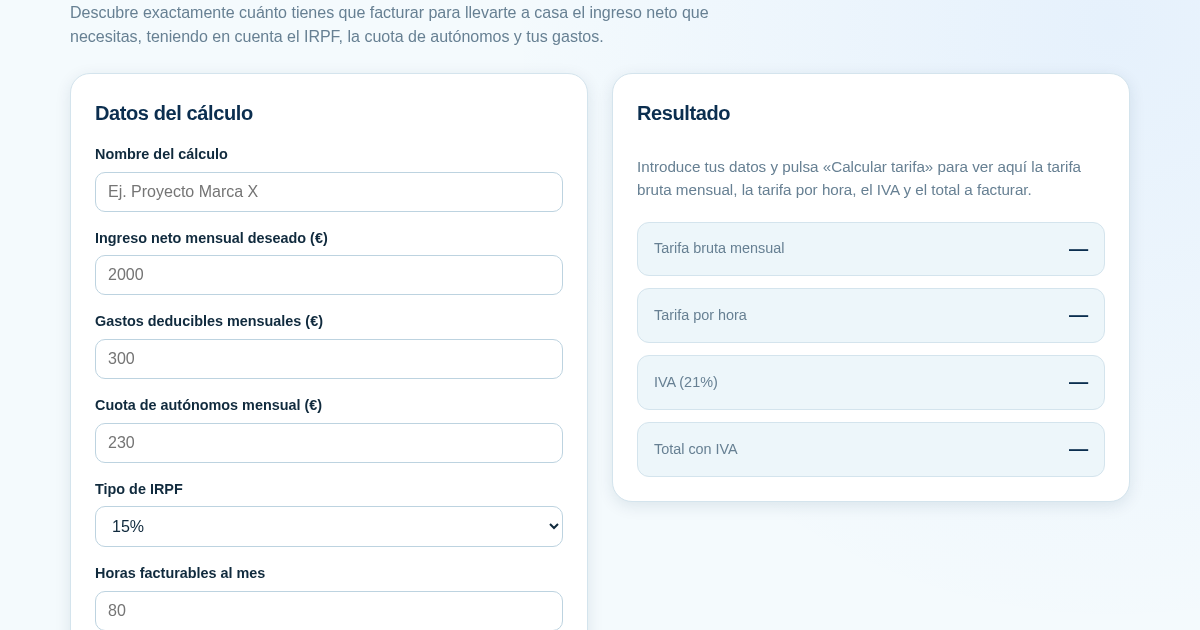
Calculadora de Tarifas para Autónomos
Muchos autónomos fijan sus tarifas sin saber cuánto necesitan facturar realmente para alcanzar el ingreso neto que quieren. Esta calculadora parte del neto mensual deseado y calcula la facturación bruta necesaria…
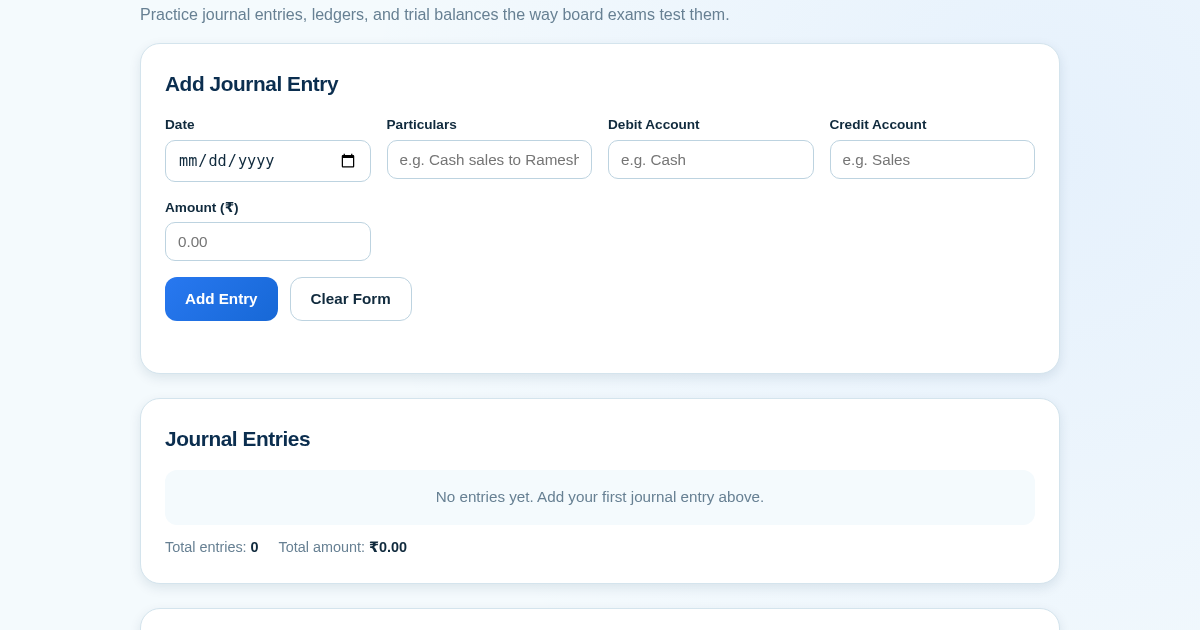
Ledger & Trial Balance Practice Tool
Commerce students in Class 10-12 need to practice journal entries and see how they flow into ledgers, trial balances, and balance sheets for board exams. This tool lets them enter transactions and instantly see the…
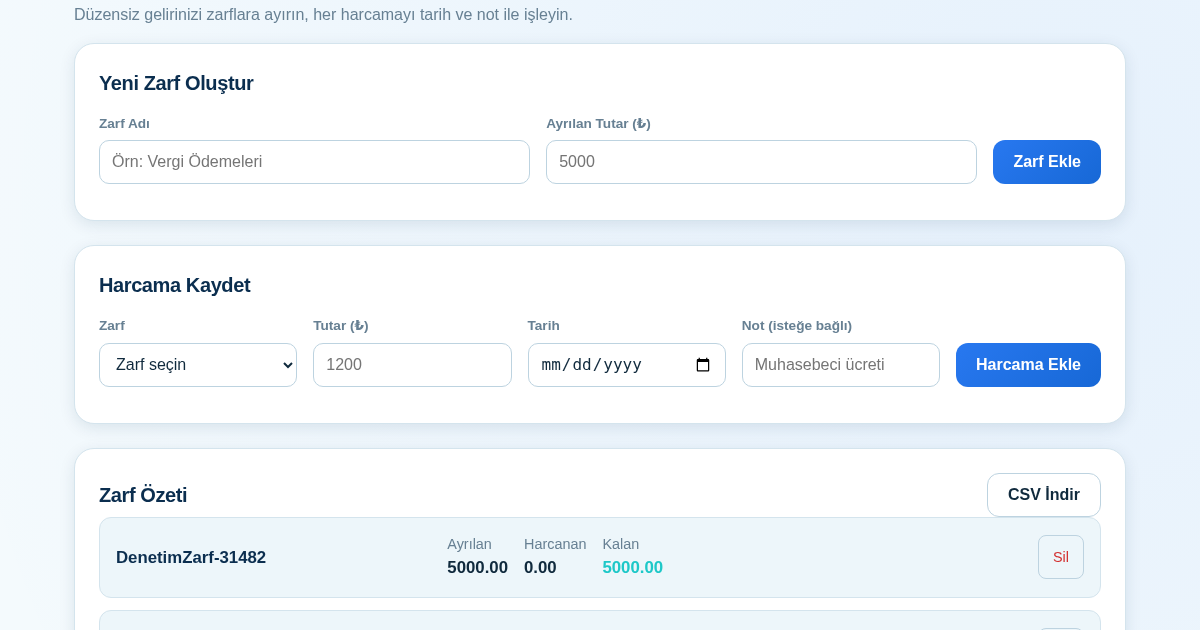
KASA - Serbest Çalışanlar İçin Zarf Bütçesi
Serbest çalışanlar düzensiz gelirlerini vergi, kira ve yaşam giderleri gibi zarflara bölerek bütçelerini düzenli tutabilir. Her harcamayı tarih ve not ile ilgili zarfa işleyerek ne kadar ayırdığını ve ne kadar…
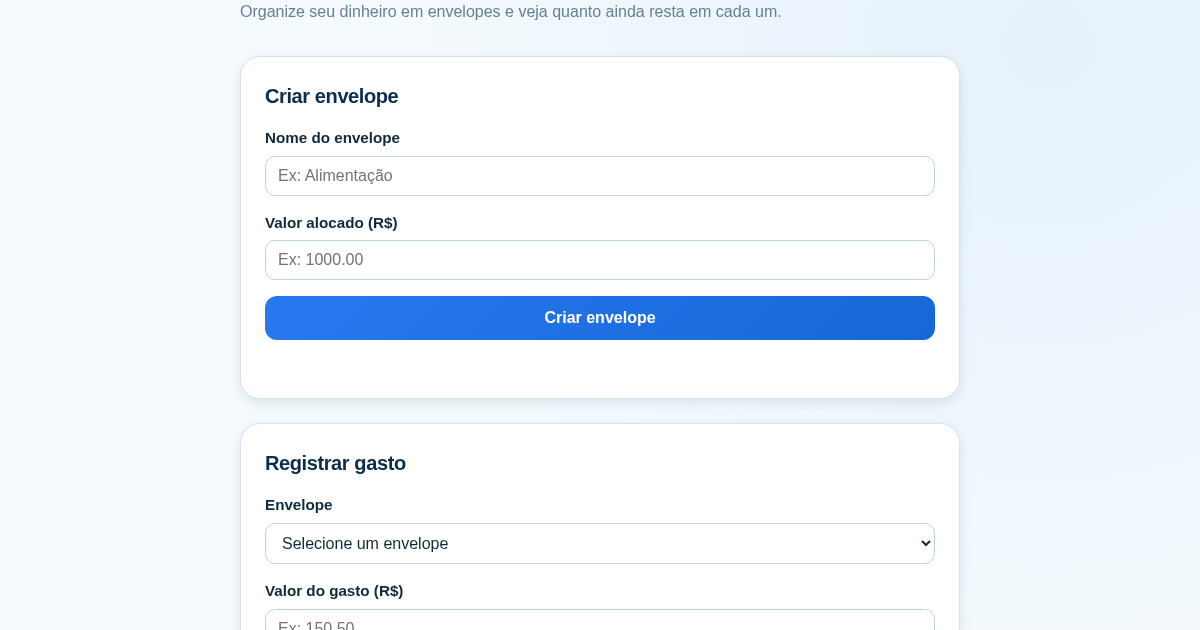
Calculadora de Orçamento por Envelopes (Pix)
Este aplicativo ajuda brasileiros a organizar seu dinheiro em envelopes de orçamento, como alimentação, transporte e lazer, sem precisar conectar uma conta bancária. Ele resolve o problema de controlar gastos do dia a…